
12 Best Portrait Editing Software Options for 2025
In a world where your profile picture is often the first impression, a polished, professional portrait is non-negotiable. Whether you're a job seeker optimizing your LinkedIn profile, an HR manager coordinating consistent headshots for a remote team, or a photographer processing hundreds of school photos, the right tool can make all the difference. The challenge is navigating the crowded market of the best portrait editing software to find a solution that fits your specific needs, budget, and skill level. This is where the old-school, time-intensive methods of traditional photoshoots are being challenged by faster, more affordable alternatives.
This guide is your direct path to finding that perfect fit. We've cut through the noise to bring you a comprehensive, actionable roundup of the top platforms for portrait and headshot enhancement. From the granular control of industry-standard editors like Adobe Photoshop to the powerful AI-driven convenience of specialized tools, we break down exactly what each option offers. We'll explore everything from manual retouching and color correction to automated background replacement and batch processing capabilities.
For each entry, you'll find a clear analysis of its key features, pricing, and platform support. We provide honest pros and cons, along with practical recommendations for specific use cases, whether you're an individual freelancer, a large corporation, or a professional photographer. This resource is designed to save you time and help you confidently select the software that will deliver professional-quality results, efficiently and affordably.
1. Adobe Photoshop + Lightroom (Adobe)
The undisputed heavyweight champion of photo editing, the Adobe Photography plan bundles Photoshop and Lightroom, creating a comprehensive ecosystem for professional portrait retouching. This duo remains the best portrait editing software for those who demand granular control and industry-standard results. Lightroom excels at organizing large photo libraries and performing powerful batch edits, using AI-powered masking to adjust faces, skin, and backgrounds across hundreds of images simultaneously. For intricate work, you can seamlessly send an image to Photoshop for advanced techniques like frequency separation, detailed blemish removal, and generative AI modifications.
This workflow is ideal for professional photographers handling client galleries, from wedding portraits to large-scale school headshot projects. While AI tools like SelfieToPro offer unmatched convenience for creating a professional headshot from scratch, Photoshop provides the deep toolset needed to perfect an existing, professionally shot portrait. The combination of Lightroom’s robust cataloging and Photoshop’s pixel-level precision is unmatched, though it comes with a significant learning curve and a subscription-only model.
Key Features:
- Layer-Based Editing: Photoshop’s core strength allows for non-destructive, complex adjustments.
- AI-Powered Masking: Lightroom's face and subject-aware masks intelligently select specific parts of a portrait for targeted edits.
- Generative Fill: Photoshop’s AI tool adds, removes, or extends elements in your portraits seamlessly.
- Seamless Integration: Effortlessly move images between Lightroom (for organization and global edits) and Photoshop (for detailed retouching).
| Characteristic | Details |
|---|---|
| Best For | Professional photographers, retouchers, and serious enthusiasts. |
| Pricing | Subscription-based; "Photography" plan starts at $9.99/month. |
| Platform | Windows, macOS, iPad, Web (with limited features). |
Pros:
- Unrivaled depth of features for professional results.
- Extensive ecosystem of tutorials, plugins, and presets.
- Powerful integration between asset management and pixel-level editing.
Cons:
- Steep learning curve for beginners.
- Subscription-only model can be costly over time.
- Can be overkill for simple edits or quick headshot creation.
Website: https://www.adobe.com/products/photoshop/plans.html
2. Capture One (Capture One A/S)
Often hailed as the professional's choice for color accuracy, Capture One is a powerful RAW editor renowned for its exceptional skin tone rendering and tethered capture capabilities. While Adobe dominates the market, many studio photographers consider Capture One the best portrait editing software for its nuanced color grading tools and superior image quality straight out of the camera. Its workflow is optimized for studio environments, allowing photographers to shoot directly into the software for instant review and adjustment, a critical feature for high-stakes headshot sessions.
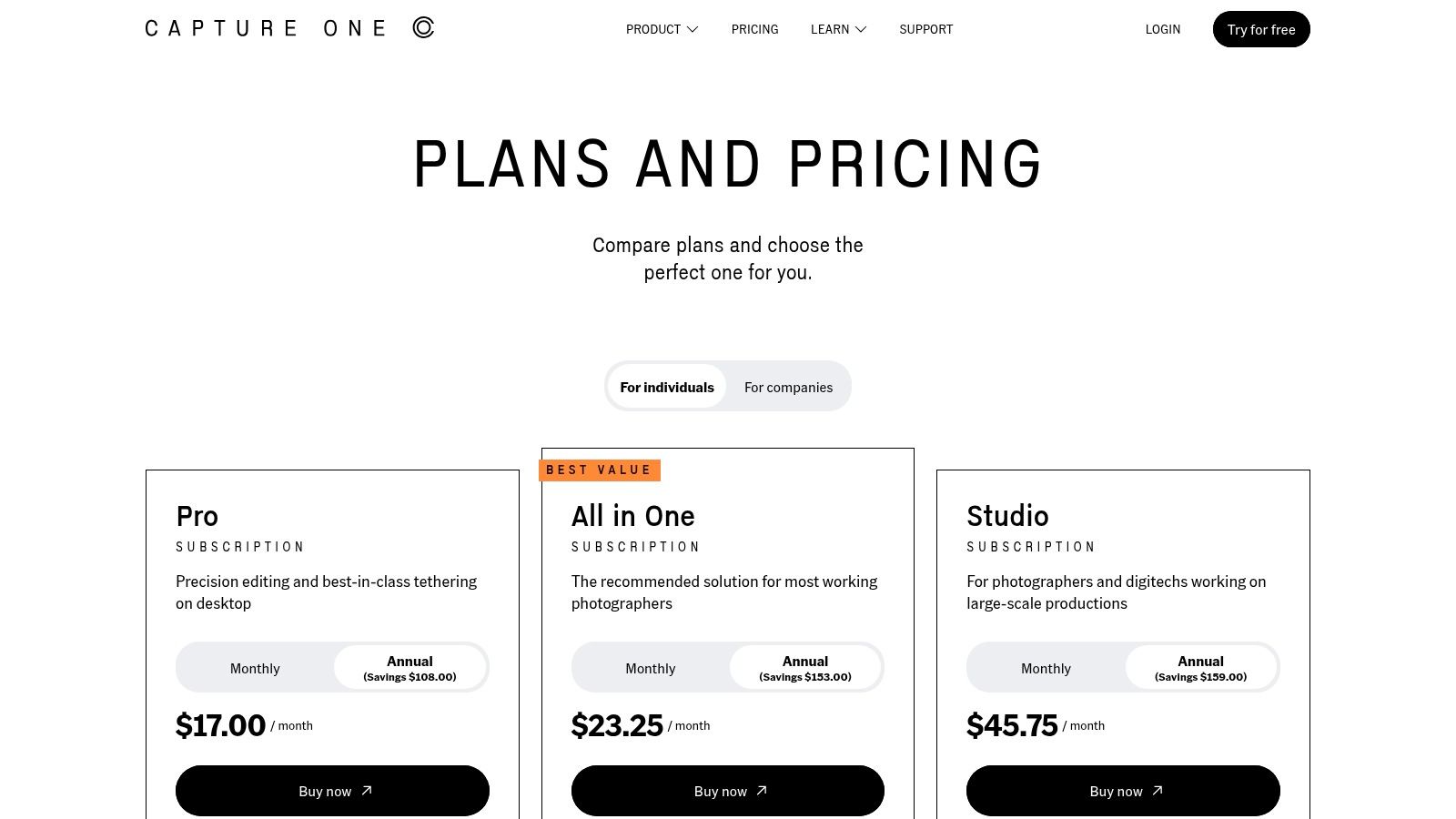
This makes it a top contender for photographers specializing in corporate headshots or fashion portraits where precise color and lighting are non-negotiable. Proper lighting is foundational to a great portrait, and tools like Capture One excel at refining a well-lit image. For those setting up a shoot, understanding a professional headshot lighting setup is the first step to leveraging this software’s full potential. Unlike Adobe's subscription-only model, Capture One provides flexibility with a perpetual license, appealing to those who prefer to own their software outright, though a subscription is required for mobile access and ongoing updates.
Key Features:
- Elite Color Editor: Advanced tools for granular control over colors, ensuring true-to-life and flattering skin tones.
- Best-in-Class Tethered Capture: Industry-leading stability and speed for shooting directly into a computer in a studio setting.
- Layers and Masks: Comprehensive tools for non-destructive local adjustments and detailed retouching.
- Flexible Licensing: Offers both perpetual licenses and subscription models, including an All-in-One plan for desktop and mobile.
| Characteristic | Details |
|---|---|
| Best For | Studio portrait and commercial photographers who prioritize color accuracy. |
| Pricing | Subscription from $24/month or perpetual license for $349. |
| Platform | Windows, macOS, iPad. |
Pros:
- Exceptional skin tone rendering and color control.
- Robust session and workflow tools for studio work.
- Perpetual license option available for long-term ownership.
Cons:
- Higher initial cost compared to some subscription plans.
- Some users may find the Adobe ecosystem more integrated for all-around creative work.
- Can be less intuitive for beginners than other editors.
Website: https://www.captureone.com/en/pricing/get-your-price
3. Luminar Neo (Skylum)
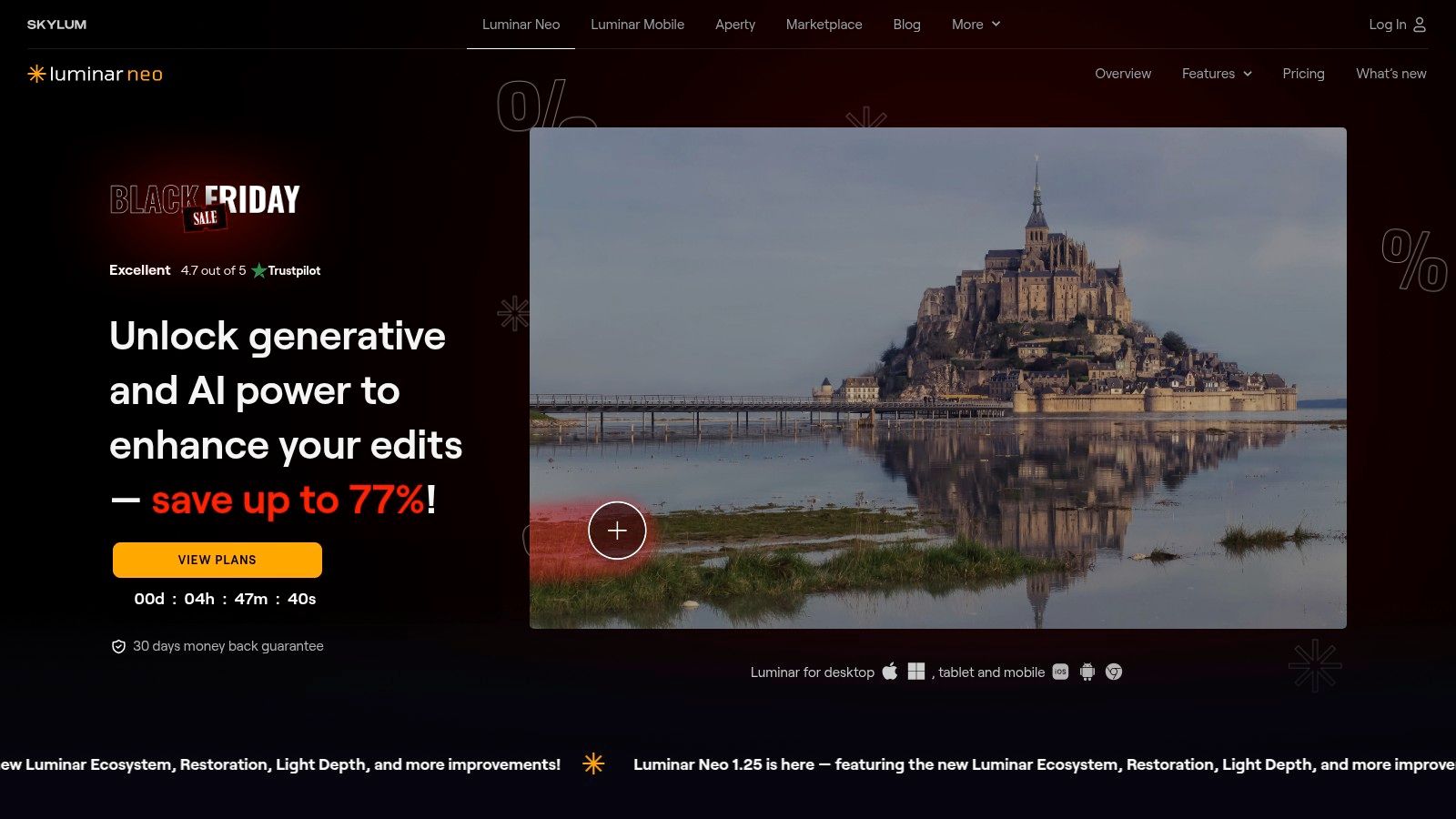
For those who prioritize speed and simplicity without sacrificing quality, Luminar Neo is a standout contender for the best portrait editing software. It flips the traditional editing model on its head by leading with powerful, AI-driven tools that produce professional results in just a few clicks. Its core strength lies in one-click solutions like Face AI, Skin AI, and Portrait Bokeh AI, which intelligently detect and enhance facial features, smooth skin, and create realistic background blur automatically. This makes it an incredibly efficient tool for photographers and individuals who need to retouch portraits quickly.
Luminar Neo excels for users who find Photoshop's complexity daunting or time-consuming. It's perfect for quickly enhancing a batch of headshots or refining a portrait you've taken yourself. While it won't replace the convenience of AI headshot generators that create a polished image from a simple photo, it’s an excellent choice for those wanting more control over professionally shot images, especially if you want to learn how to take professional-looking headshots yourself. Its ability to function as a standalone app or a plugin for Lightroom and Photoshop adds valuable versatility to any workflow.
Key Features:
- AI-Powered Portrait Tools: Dedicated sliders for Face AI (eyes, lips, face shape) and Skin AI (blemish removal, skin smoothing) for automated enhancements.
- Portrait Bokeh AI: Intelligently creates a creamy, blurred background to make the subject pop, mimicking a professional lens effect.
- Presets and Extensions: A large library of one-click presets and optional extensions for HDR, upscaling, and more.
- Flexible Workflow: Use it as a primary editor or as a plugin within your existing Adobe software.
| Characteristic | Details |
|---|---|
| Best For | Enthusiast photographers, social media creators, and professionals needing fast turnarounds. |
| Pricing | Subscription and perpetual license options available; often has promotional pricing. |
| Platform | Windows, macOS. |
Pros:
- Extremely intuitive and easy to learn, even for complete beginners.
- Achieves impressive, natural-looking results with minimal manual effort.
- Flexible pricing with a one-time purchase option.
Cons:
- Over-reliance on AI can sometimes produce an over-stylized or unrealistic look.
- Performance can be demanding on older computer hardware.
- Lacks the deep, granular control of layer-based editors like Photoshop.
Website: https://skylum.com/luminar
4. ON1 Photo RAW 2025 (ON1)
Positioned as a powerful, all-in-one alternative to the Adobe subscription model, ON1 Photo RAW 2025 offers a comprehensive suite of tools that make it one of the best portrait editing software options for photographers seeking a single purchase. It integrates a raw processor, layered editor, and effects module into one cohesive application. Its built-in Portrait AI is a standout feature, automatically detecting faces to provide quick, intuitive controls for skin smoothing, eye and teeth whitening, and facial reshaping without complex masking. This makes it ideal for photographers who need to process portrait sessions efficiently.
This workflow is especially useful for event or school photographers who must cull and edit large batches of headshots. New features in the 2025 version, like Target Albums and improved stacking, streamline the process of sorting through hundreds of images to find the best takes. While AI tools offer convenient one-click solutions for generating headshots, ON1 provides the manual control and batch processing power needed to refine professionally shot portraits. The MAX edition further extends its utility, allowing the software to function as a plugin within Photoshop or Lightroom, blending its powerful AI features into an existing workflow.
Key Features:
- Portrait AI: Automatically detects faces and provides sliders for retouching skin, eyes, mouth, and face shape.
- Integrated Suite: Combines file browsing, raw development, layered editing, and effects in one program.
- NoNoise AI & Resize AI: Industry-leading noise reduction and image upscaling are built directly into the workflow.
- Plugin Flexibility: The MAX edition can be used as a plugin for Photoshop, Lightroom, and Capture One.
| Characteristic | Details |
|---|---|
| Best For | Photographers seeking an Adobe alternative with a one-time purchase. |
| Pricing | One-time purchase starting at $99.99; subscription also available. |
| Platform | Windows, macOS. |
Pros:
- No mandatory subscription offers excellent long-term value.
- Powerful, integrated AI tools for portraits, noise, and resizing.
- Flexible enough to be a standalone editor or a plugin.
Cons:
- The interface can feel cluttered and overwhelming for new users.
- Performance can be sluggish on systems with less powerful GPUs.
Website: https://www.on1.com/products/photo-raw/
5. DxO PhotoLab + Nik Collection (DxO)
For photographers who prioritize pristine image quality and natural, clean portrait output, the combination of DxO PhotoLab and the Nik Collection is a formidable choice. PhotoLab excels as a high-quality RAW developer, leveraging an extensive database of camera and lens profiles to deliver scientifically precise optical corrections. This foundation ensures your portrait starts with the best possible detail, color accuracy, and sharpness before any creative edits are applied. Its PRIME and DeepPRIME denoising technologies are widely considered the best in the industry, producing exceptionally clean images even in low light.
The real creative power comes from integrating the legendary Nik Collection plug-ins, especially Color Efex and Viveza. Using intuitive U Point™ technology, you can apply targeted adjustments to skin, eyes, or backgrounds without complex masking. This makes it ideal for fine-art portraiture where technical perfection is paramount. While it lacks the dedicated AI face-aware tools of competitors, its focus on optical excellence and precise local adjustments makes it a top-tier option for professional photographers who want to retain full manual control over their retouching workflow and prefer a one-time purchase over a subscription.
Key Features:
- Deep Optical Corrections: Industry-leading lens and camera profiles automatically correct distortion, vignetting, and chromatic aberrations.
- Superb Denoising: DeepPRIME technology provides unparalleled noise reduction while preserving fine details in portraits.
- Nik Collection Plug-ins: A suite of powerful tools like Color Efex Pro and Viveza allow for creative local adjustments and film emulations.
- U Point™ Technology: Make precise, mask-free selections to adjust specific areas of a portrait, like brightening eyes or smoothing skin.
| Characteristic | Details |
|---|---|
| Best For | Professional photographers, fine-art retouchers, and enthusiasts who prioritize technical image quality. |
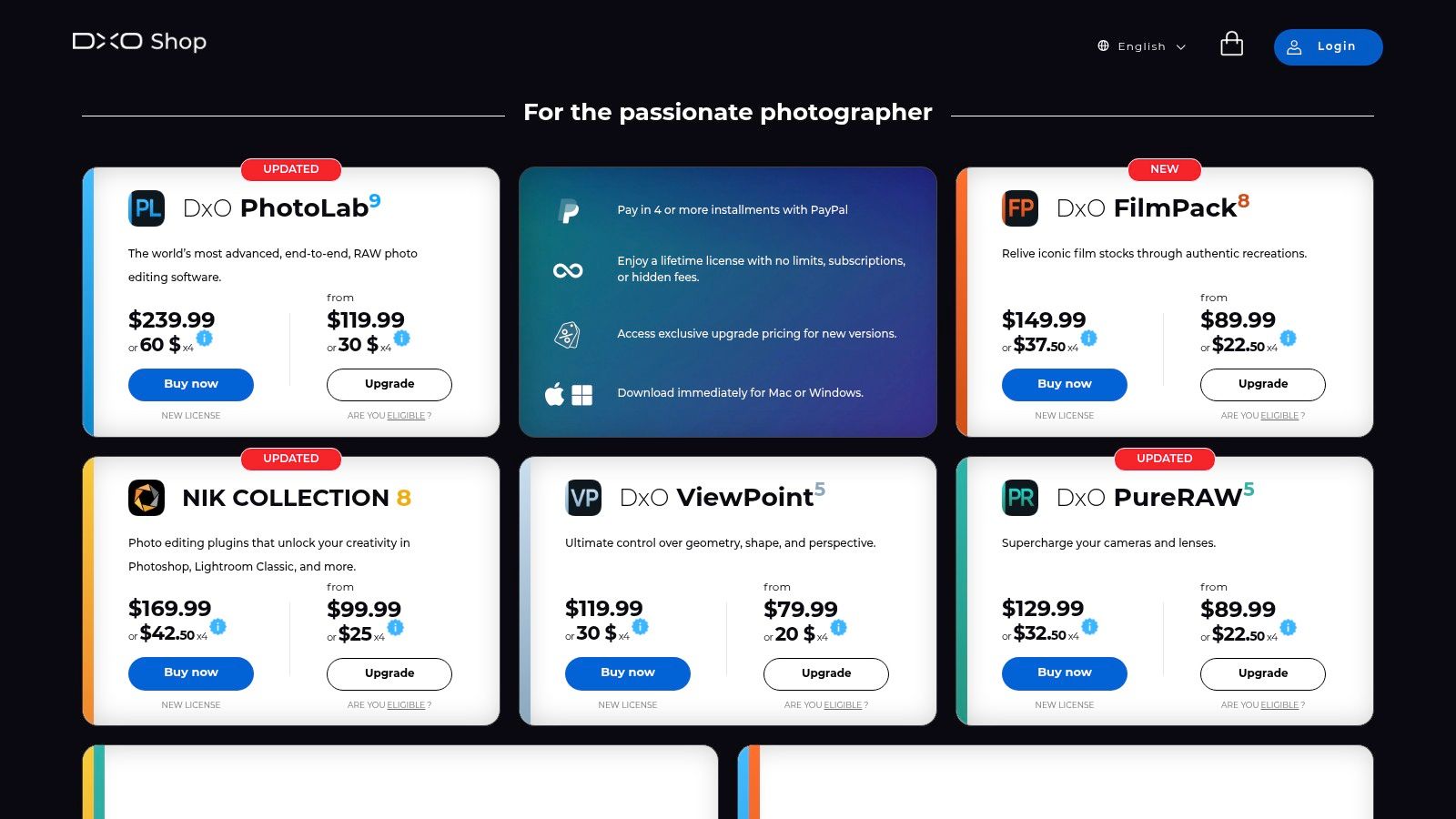
| Pricing | Perpetual licenses; DxO PhotoLab starts at $229, Nik Collection starts at $159. Bundles are available. |
| Platform | Windows, macOS. |
Pros:
- Best-in-class optical corrections and RAW processing.
- Flexible workflow as a standalone editor or as a plugin for other software.
- One-time purchase model (perpetual license) avoids recurring fees.
Cons:
- Lacks dedicated AI portrait tools for automated face and skin detection.
- The initial investment for both PhotoLab and Nik Collection is higher than some subscription plans.
- Can have a steeper learning curve for those unfamiliar with U Point controls.
Website: https://shop.dxo.com/
6. Topaz Labs (Topaz Photo, Gigapixel, etc.)
While not a traditional portrait editor, Topaz Labs offers a suite of AI-powered tools that are indispensable for rescuing and enhancing portraits. Its core products, like Topaz Photo AI, excel at tasks where other software falters: sharpening slightly soft focus, eliminating noise without losing detail, and intelligently upscaling low-resolution images. This makes it a critical companion to a primary editor like Photoshop, serving as a powerful first step to fix technical flaws before creative retouching begins. The Face Recovery AI is particularly remarkable, reconstructing realistic facial details in blurry or compressed portraits that would otherwise be unusable.
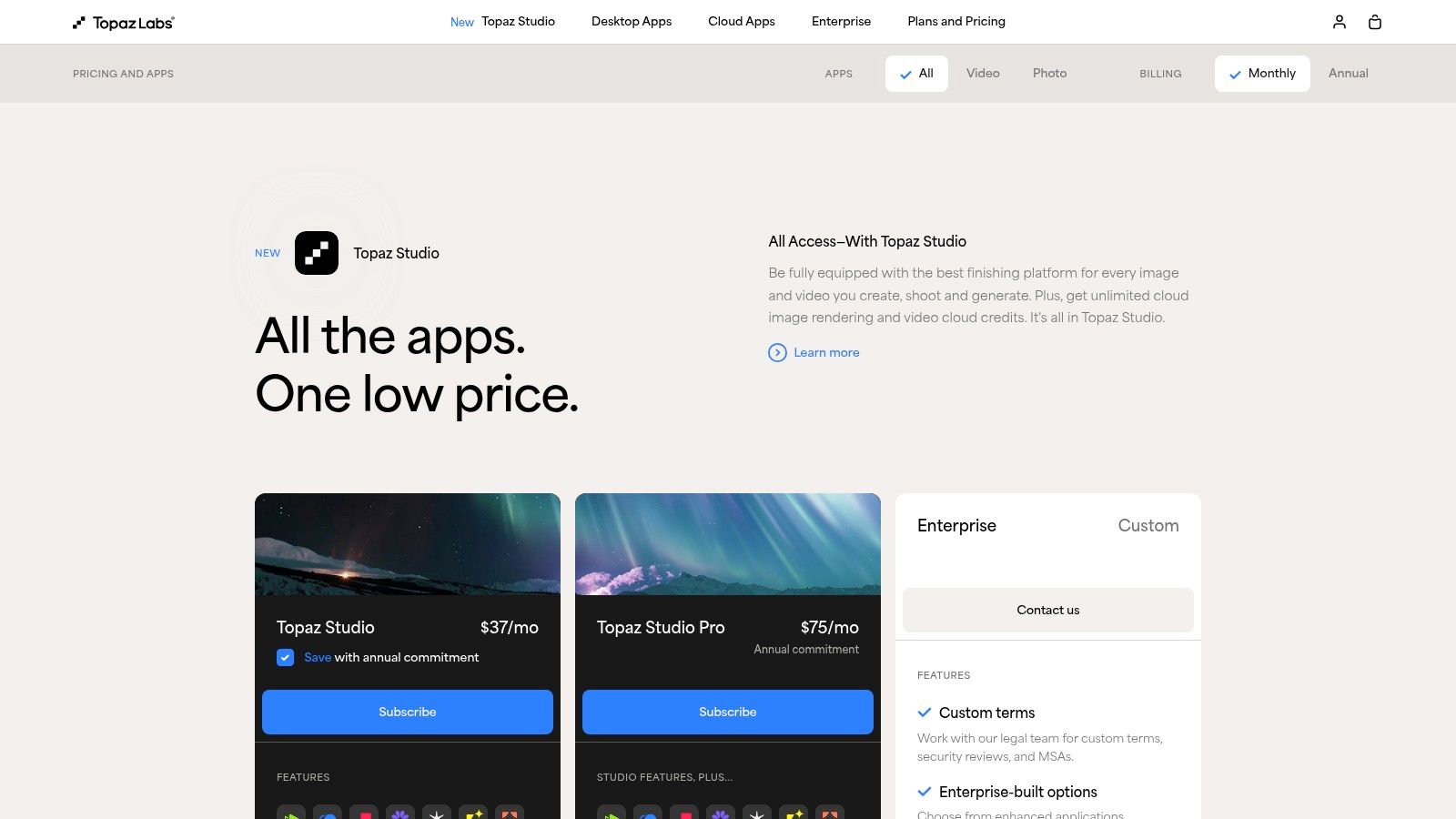
This workflow is a lifesaver for photographers who capture a perfect moment with imperfect focus or high ISO noise. Instead of discarding a great shot, Topaz can dramatically improve its technical quality, making it client-ready. For professionals restoring old family photos or working with less-than-ideal source files, its tools provide clarity and detail that are difficult to achieve manually. While it doesn't offer the creative convenience of AI headshot generators for creating new images, it's one of the best portrait editing software additions for perfecting the photos you already have, ensuring maximum technical quality before the creative work starts.
Key Features:
- Face Recovery AI: Intelligently detects and reconstructs facial details in low-resolution or blurry portraits.
- Advanced Denoising and Sharpening: Removes noise and sharpens images using sophisticated AI models for natural-looking results.
- Gigapixel AI Upscaling: Increases image resolution by up to 600% while enhancing real detail.
- Seamless Integration: Works as standalone applications or as plugins for Adobe Photoshop and Lightroom.
| Characteristic | Details |
|---|---|
| Best For | Photographers needing to rescue technically flawed images, restoration work. |
| Pricing | Annual subscription; "Image Quality Bundle" starts at $199/year. |
| Platform | Windows, macOS. |
Pros:
- Exceptional at recovering detail, reducing noise, and sharpening portraits.
- Can salvage images that would otherwise be unusable.
- Integrates well with professional editing workflows.
Cons:
- Not a full-fledged portrait editor; serves a specialized purpose.
- Subscription model can be expensive for casual users.
- Can produce overly processed results if not used carefully.
Website: https://www.topazlabs.com/pricing
7. PortraitPro (Anthropics)
PortraitPro by Anthropics is a highly specialized application laser-focused on one thing: making portrait retouching incredibly fast and intuitive. Unlike general-purpose editors, it uses AI to automatically detect facial features, allowing you to apply sophisticated enhancements like skin smoothing, facial sculpting, and digital makeup with simple sliders. This makes it some of the best portrait editing software for photographers who need to quickly process high volumes of headshots, such as for school photos or corporate events, without a steep learning curve.
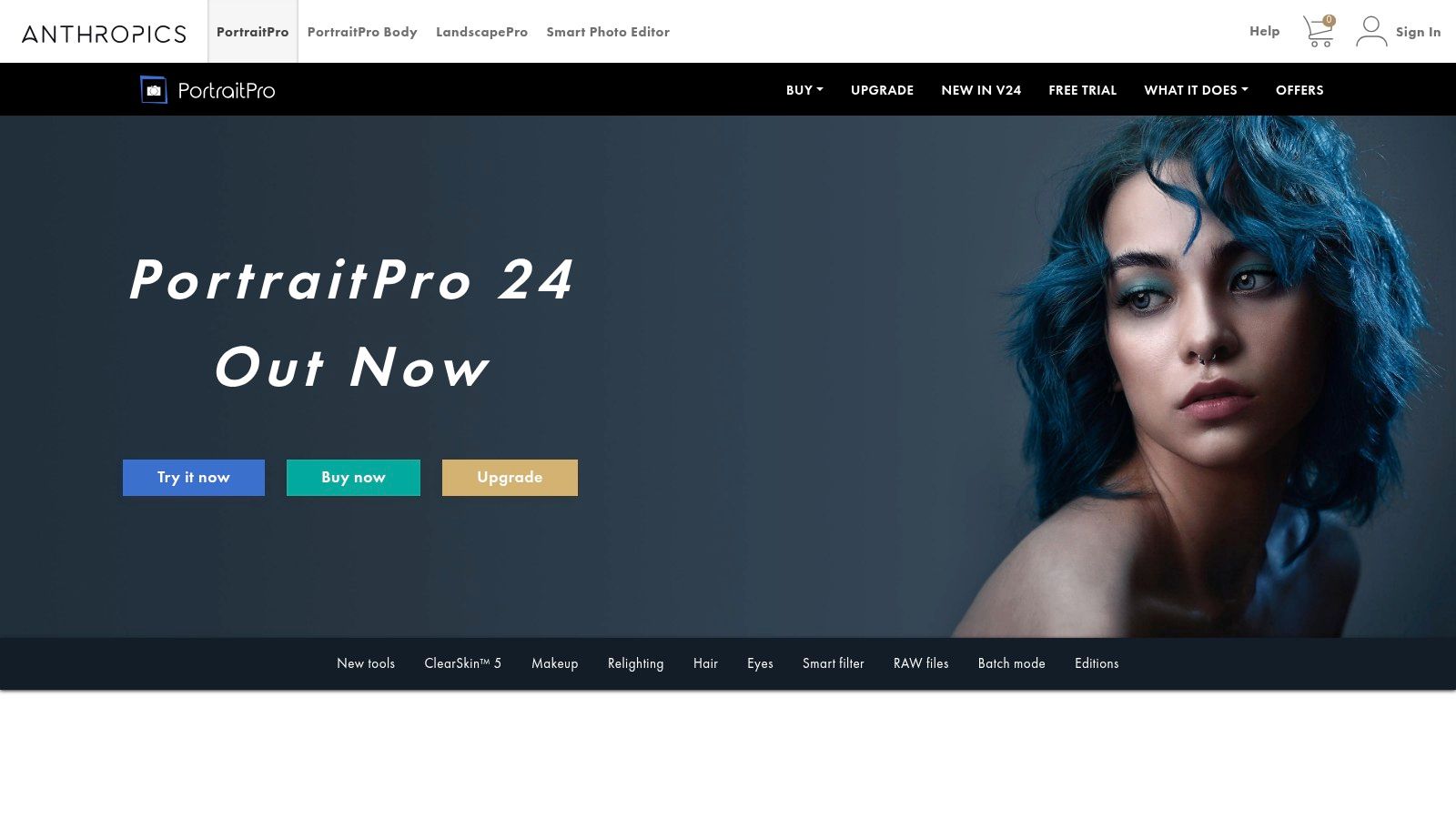
The guided workflow is its main strength, walking users through enhancements for skin, eyes, teeth, and hair. In a world of AI headshots, PortraitPro offers a different kind of convenience, refining an existing photo with professional polish in minutes. This focus on speed makes it an invaluable tool, providing much of the quality of a traditional photoshoot at a fraction of the time and cost. Its powerful sliders can easily lead to over-edited results, so a light touch is key to maintaining a natural look.
Key Features:
- AI Face Detection: Automatically identifies facial features like eyes, nose, mouth, and skin for targeted adjustments.
- Slider-Based Adjustments: Uses intuitive sliders to control skin smoothing, blemish removal, face shaping, and relighting.
- Digital Makeup: Apply realistic makeup, including lipstick, eyeshadow, and blusher, with fine-tuned controls.
- Plugin Integration: Works as a standalone app or as a plugin for Photoshop, Lightroom, and Aperture (Studio editions).
| Characteristic | Details |
|---|---|
| Best For | School, event, and studio photographers needing rapid retouching. |
| Pricing | One-time purchase; Standard edition starts at $59.95. |
| Platform | Windows, macOS. |
Pros:
- Extremely fast and easy to learn for classic portrait fixes.
- Intuitive interface with powerful, slider-based controls.
- Effective for batch processing and high-volume workflows.
Cons:
- Very easy to over-edit and create unnatural-looking results.
- Not a general-purpose photo editor; highly specialized for portraits.
- Requires a one-time purchase, with paid major version upgrades.
Website: https://www.anthropics.com/portraitpro/
8. Imagenomic Portraiture (plugin)
For photographers and retouchers who need a specialized tool for one specific task, skin smoothing, Imagenomic Portraiture is a legendary plugin. Rather than a full-fledged editor, it integrates directly into host applications like Adobe Photoshop or Lightroom to offer best-in-class, texture-preserving skin retouching. Its primary strength is its intelligent auto-masking, which automatically detects skin tones and applies subtle smoothing while protecting critical details like pores, hair, and eyelashes. This focus on saving time makes it an incredibly efficient tool for high-end beauty portraits and large-batch jobs where professional branding and consistency are key.

This plugin excels at refining existing, professionally captured images with minimal effort, providing a major time and cost saving for busy photographers. It allows them to deliver flawless yet natural-looking results across an entire gallery without spending hours on manual frequency separation or masking. The availability of a one-time purchase option makes it a compelling alternative for those avoiding subscription models, offering a permanent, affordable solution for one of the most time-consuming aspects of portrait editing. It’s a specialized, powerful addition to a professional workflow.
Key Features:
- Automatic Skin Masking: Intelligently identifies and isolates skin tones in a portrait, saving significant manual selection time.
- Texture Preservation: Smooths blemishes and tones without creating an artificial, "plastic" look, retaining natural skin texture.
- Batch Processing Integration: Works within Lightroom and Photoshop actions to apply consistent edits across hundreds of photos.
- Plugin Compatibility: Integrates seamlessly into professional editing software like Adobe Photoshop, Lightroom, and Affinity Photo.
| Characteristic | Details |
|---|---|
| Best For | Wedding, school, and high-volume portrait photographers. |
| Pricing | One-time purchase starting at $229.95; bundled suite options available. |
| Platform | macOS & Windows (as a plugin for Photoshop, Lightroom, Affinity Photo). |
Pros:
- Creates natural, high-end skin retouching results with minimal effort.
- Excellent for speeding up workflow in batch portrait editing.
- One-time license is a great value for long-term users.
Cons:
- Requires a host program like Photoshop; not a standalone editor.
- Primarily focused on skin, lacking other comprehensive editing tools.
- The interface can feel slightly dated compared to modern software.
Website: https://imagenomic.com/purchase
9. Affinity (by Canva) — Affinity Studio
Previously known as a powerful, one-time-purchase alternative to Adobe, Affinity has entered a new era under Canva's ownership with Affinity Studio. This unified desktop application combines the full power of Affinity Photo (pixel editing), Designer (vector), and Publisher (layout) into a single, seamless interface that is now completely free. It stands as a formidable non-subscription option for portrait editing, offering a professional toolset including frequency separation, non-destructive RAW development, and detailed retouching brushes.
This new model is especially compelling for freelancers, students, and small businesses seeking to avoid recurring costs without sacrificing professional-grade capabilities. The native integration with Canva bridges the gap between deep, technical editing and quick, template-based design, allowing a user to perfect a headshot in Affinity and then seamlessly use it in a resume or presentation within Canva. While the core app is free, some advanced AI features require a Canva Premium subscription, positioning Affinity Studio as a powerful, budget-friendly gateway into a broader creative ecosystem. It provides the depth needed for traditional portrait work while offering a convenient on-ramp to AI enhancements.
Key Features:
- Unified 'Studios': Instantly switch between professional pixel, vector, and page layout tools in one app.
- Pro-Level Retouching: Includes advanced tools like frequency separation, liquify persona, and non-destructive filter layers.
- High Compatibility: Robust support for PSD, AI, and PDF files, making it easy to work with assets from other ecosystems.
- Native Canva Integration: Send edited portraits and designs directly to your Canva library for use in other projects.
| Characteristic | Details |
|---|---|
| Best For | Budget-conscious professionals, students, and Canva users needing advanced editing. |
| Pricing | Core application is free with sign-in. Some AI features require a Canva Premium subscription. |
| Platform | Windows, macOS. |
Pros:
- No upfront cost or subscription for the powerful core application.
- Professional-grade features that rival more expensive software.
- Fast, modern engine that performs well even with large files.
Cons:
- The new free model is recent, so the long-term roadmap is still evolving.
- Key AI-driven features are gated behind a Canva Premium subscription.
- Less third-party plugin and preset support compared to Photoshop.
Website: https://www.affinity.studio/
10. Pixelmator Pro (Mac App Store)
For Mac users seeking a powerful, subscription-free alternative to Adobe, Pixelmator Pro offers a beautifully designed and highly capable image editing experience. It leverages Apple's core technologies like Metal and Core ML to deliver incredibly fast performance, making it a stellar choice for portrait retouching. The software is tightly integrated into the macOS ecosystem, allowing users to edit images directly from their Apple Photos library, which streamlines the workflow for those who manage their portraits within Apple's native app. Its combination of robust, traditional editing tools and smart, machine-learning-powered features makes it a strong contender for the best portrait editing software on the Mac platform.

Pixelmator Pro provides an elegant and intuitive interface that feels right at home on a Mac, making it less intimidating than Photoshop for newcomers. It includes excellent repair and clone tools for blemish removal, and its "ML Enhance" feature can automatically improve color, contrast, and balance with a single click, saving valuable time. For professionals creating stunning LinkedIn portraits, this tool offers an affordable and convenient path to a polished final image without the recurring fees of a traditional subscription service.
Key Features:
- ML Enhance: One-click, machine learning-powered tool to intelligently enhance photos by adjusting color balance, exposure, and more.
- Advanced Retouching Tools: Includes professional-grade repair, clone, and healing tools for precise blemish and object removal.
- Full RAW Support: Non-destructively edit RAW portrait files with support for all major camera formats.
- Apple Photos Integration: Edit portraits directly within the Photos app using the Pixelmator Pro extension for a seamless workflow.
| Characteristic | Details |
|---|---|
| Best For | Mac users, photographers, and enthusiasts looking for a powerful one-time purchase editor. |
| Pricing | One-time purchase of $49.99 on the Mac App Store. |
| Platform | macOS only. |
Pros:
- Affordable one-time purchase with no subscription.
- Fast, modern, and intuitive user interface.
- Excellent integration with the macOS and Apple Photos ecosystem.
Cons:
- Not available for Windows or other operating systems.
- Smaller plugin and preset community compared to Adobe.
- Lacks the robust library management of Lightroom.
Website: https://apps.apple.com/us/app/pixelmator-pro/id1289583905
11. Photomator (Pixelmator Team)
Built exclusively for the Apple ecosystem, Photomator is a sleek and powerful photo editor that feels right at home on a Mac, iPhone, or iPad. It positions itself as a strong Lightroom alternative, offering a photographer-focused workflow with robust batch editing and machine learning tools. For portrait work, its ML-powered features like automatic subject and skin masking provide a quick way to apply targeted adjustments without tedious manual selections, making it a highly efficient choice for Apple users.
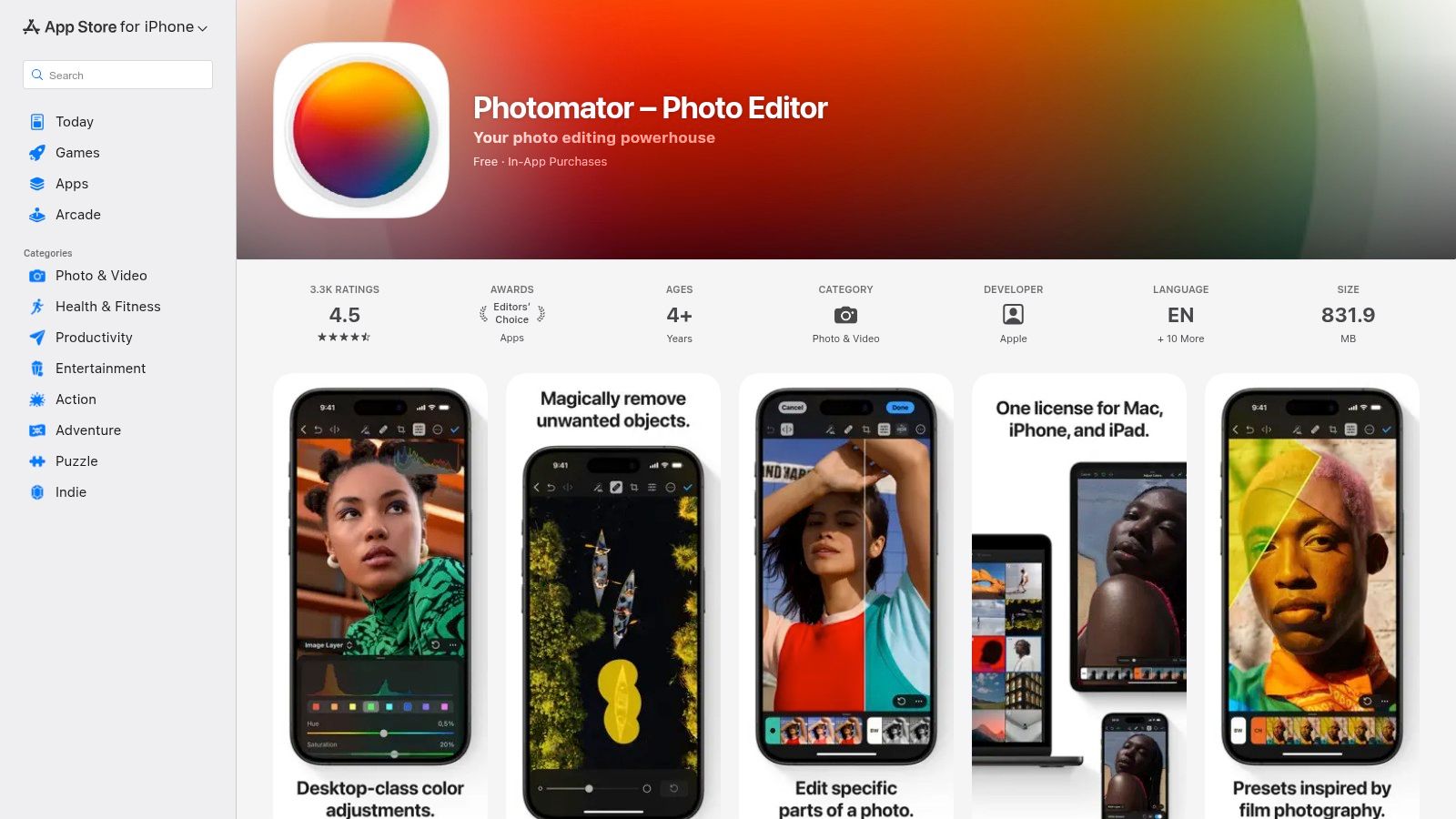
Photomator excels in streamlining the editing pipeline, from its ML Enhance feature that intelligently improves photos with one click to its powerful noise reduction and resolution upscaling tools. This makes it an excellent piece of portrait editing software for photographers who handle large volumes of RAW files and need to maintain a consistent look across a session. While it lacks the deep compositing capabilities of Photoshop, its focus on non-destructive, high-quality image enhancement and a clean user interface offers a compelling, more affordable alternative for many.
Key Features:
- ML-Powered Tools: Includes AI-driven Enhance, Denoise, and Super Resolution (upscaling) for intelligent image improvements.
- Selective Adjustments: Smartly selects the subject, sky, or background for targeted edits and features a dedicated skin-smoothing tool.
- Batch Editing: Copy and paste adjustments across hundreds of photos or use powerful workflows to process entire shoots at once.
- Seamless Syncing: A single license works across Mac, iPhone, and iPad, with edits syncing via iCloud.
| Characteristic | Details |
|---|---|
| Best For | Apple users, photographers looking for a Lightroom alternative, and enthusiasts. |
| Pricing | Subscription from $4.99/month or a lifetime license for $99.99. |
| Platform | macOS, iOS, iPadOS. |
Pros:
- Clean, intuitive interface native to Apple platforms.
- Excellent value with both subscription and lifetime purchase options.
- Strong RAW support and fast batch processing workflows.
Cons:
- Exclusive to the Apple ecosystem (no Windows or Android versions).
- Lacks the advanced layering and compositing tools found in Photoshop.
- AI features are focused on enhancement, not generative creation.
Website: https://apps.apple.com/app/pixelmator/id1444636541
12. B&H Photo — Photo Editing Software Category (retailer)
While not a software developer, B&H Photo is a trusted US retailer that serves as a one-stop shop for purchasing many of the best portrait editing software titles. It’s an excellent destination for photographers looking to acquire perpetual licenses for tools like Luminar Neo or Photoshop Elements, or to buy subscription codes for Adobe products from a reputable vendor. The platform often features promotions, bundles, and clear US pricing, making it a reliable alternative to buying directly from developers.
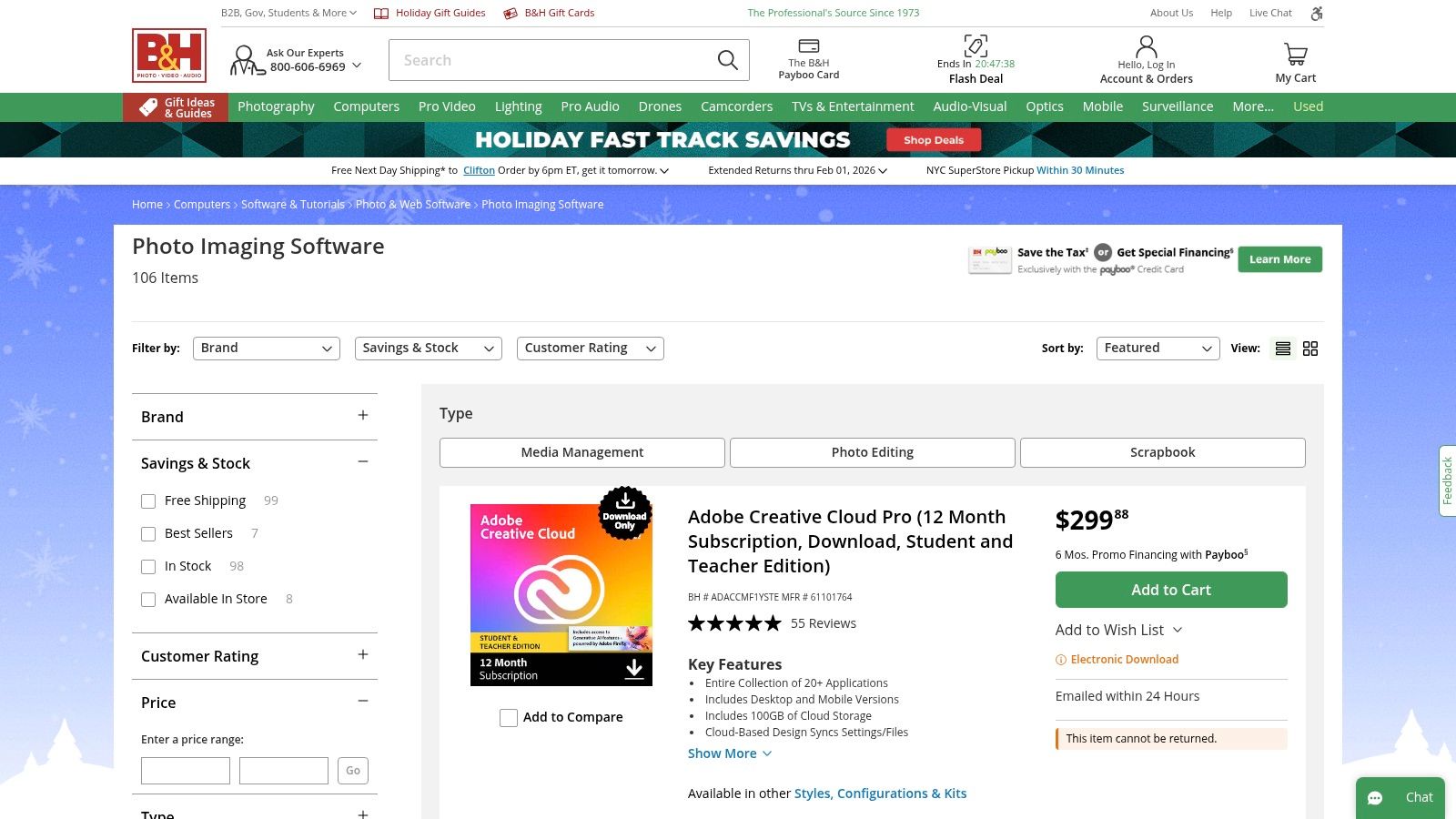
This approach is ideal for those who prefer managing their software purchases through a single, established retailer known for its customer service in the photography industry. While B&H provides the purchase and delivery, it's important to remember that technical support and licensing management still come from the software vendor itself. For those just starting out, buying a professional tool here can complement the skills learned from tutorials on how to take professional headshots at home, providing a complete path from capture to final edit.
Key Features:
- One-Stop Shop: Purchase download codes, boxed software, and subscriptions for various top-tier editors.
- Perpetual License Availability: A key source for buying non-subscription software versions.
- Fast Electronic Delivery: Many software titles are delivered via email within hours of purchase.
- Frequent Promotions: Opportunity to find discounts or bundled deals on popular editing software.
| Characteristic | Details |
|---|---|
| Best For | Photographers looking for perpetual licenses or managing software purchases through a trusted retailer. |
| Pricing | Varies by software; offers both one-time purchases and subscription codes. |
| Platform | Retailer for software on Windows, macOS, etc. |
Pros:
- Reputable US seller with clear policies on software purchases.
- Great place to find discounted or bundled software deals.
- Offers a centralized purchasing point for multiple brands.
Cons:
- Some software SKUs may be non-returnable or non-cancellable once purchased.
- As a retailer, all technical and licensing support comes directly from the software developer.
Website: https://www.bhphotovideo.com/c/buy/Photo-Imaging-Software/ci/13290
Top 12 Portrait Editing Software Comparison
| Product | Core features ✨ | Quality ★ | Price/Value 💰 | Target audience 👥 | Standout 🏆 |
|---|---|---|---|---|---|
| Adobe Photoshop + Lightroom (Adobe) | ✨ Layers, Generative Fill, Select Subject, LR catalog & masks | ★★★★★ (pro-grade, steep curve) | 💰 Subscription only — premium ongoing cost | 👥 Pro retouchers, studios, workflow power-users | 🏆 Industry standard + huge ecosystem |
| Capture One (Capture One A/S) | ✨ Elite color editor, tethered capture, raw tools | ★★★★☆ (best skin/color) | 💰 Subscription or perpetual — premium price (↑2025) | 👥 Studio photographers, colorists, tethered shoots | 🏆 Best skin tones & tethering |
| Luminar Neo (Skylum) | ✨ Face AI, Skin AI, Portrait Bokeh, one‑click presets | ★★★★☆ (fast AI; can stylize) | 💰 Perpetual/sub — good value with promos | 👥 Hobbyists & pros who want speed | 🏆 Quick AI-driven portrait fixes |
| ON1 Photo RAW 2025 (ON1) | ✨ Portrait AI, NoNoise AI, Resize, MAX plugin support | ★★★★☆ (feature-rich; dense UI) | 💰 One-time or MAX subscription — strong all‑in‑one value | 👥 Photographers seeking non‑sub studio tool | 🏆 Plugin flexibility + one‑time option |
| DxO PhotoLab + Nik Collection (DxO) | ✨ Deep optics profiles, denoise, Nik local tools | ★★★★☆ (natural, clean raw output) | 💰 Perpetual; higher entry price for bundles | 👥 Photographers prioritizing optical correction | 🏆 Best lens/camera corrections & denoise |
| Topaz Labs (Topaz Photo, Gigapixel, etc.) | ✨ Face/detail recovery, denoise, upscaling modules | ★★★★☆ (rescues marginal images) | 💰 Modular subscription/bundles — can be costly full-sets | 👥 Retouchers needing upscaling & salvage tools | 🏆 Superior upscaling & detail recovery |
| PortraitPro (Anthropics) | ✨ Guided skin smoothing, relighting, feature shaping | ★★★★☆ (very fast; easy to overdo) | 💰 One‑time editions — affordable for portraits | 👥 Portrait retouchers, beauty/fashion editors | 🏆 Extremely fast guided portrait fixes |
| Imagenomic Portraiture (plugin) | ✨ Texture‑preserving skin smoothing, auto‑masking, batch | ★★★★☆ (natural, texture-safe) | 💰 One‑time plugin — strong batch value | 👥 High‑end retouchers using PS/LR hosts | 🏆 Trusted texture‑preserving smoothing |
| Affinity (by Canva) — Affinity Studio | ✨ Unified pixel/vector/layout studios; PSD/AI support | ★★★☆☆ (fast engine; evolving) | 💰 Free core app; some AI features gated via Canva Premium | 👥 Budget-conscious pros, Canva users | 🏆 Free unified app with Canva integration |
| Pixelmator Pro (Mac) | ✨ ML-enhance, RAW, repair tools, Apple Photos integration | ★★★★☆ (Mac‑optimized, approachable) | 💰 One‑time Mac App purchase — good value | 👥 macOS photographers & Apple workflows | 🏆 Native Mac performance & integration |
| Photomator (Pixelmator Team) | ✨ ML denoise/upscale, 600+ RAW, batch & skin masking | ★★★★☆ (fast batch & Apple sync) | 💰 Subscription or lifetime — good Apple value | 👥 Apple users needing Lightroom‑style pipelines | 🏆 Cross‑device batch RAW workflows on Apple |
| B&H Photo — Photo Editing Software (retailer) | ✨ One‑stop for download codes, boxed software, promos | ★★★★☆ (trusted retailer, fast delivery) | 💰 Often finds discounts/bundles; reseller fees possible | 👥 Buyers seeking licensed software deals | 🏆 Reputable vendor with clear US pricing & promos |
Your Next Step to a Perfect Professional Portrait
Navigating the world of portrait editing has revealed a clear and exciting evolution. We've journeyed from the powerhouse suites of Adobe and Capture One, which offer unparalleled creative control for professional photographers, to the intelligent, AI-driven workflows of tools like Luminar Neo and PortraitPro. The central theme is clear: achieving a professional, polished portrait is more accessible than ever, but the path you take depends entirely on your specific goals, technical skills, and resources.
The traditional software, such as Photoshop and DxO PhotoLab, remains the gold standard for those who require granular control over every pixel. These are the tools for photographers and retouchers who view editing as a craft, demanding precision in color grading, blemish removal, and complex composites. However, this power comes with a significant investment in both time and money, involving a steep learning curve and often a recurring subscription fee.
On the other end of the spectrum, the rise of specialized and AI-powered tools has democratized professional portrait creation. This shift addresses a critical need for job seekers, entrepreneurs, and HR teams who require high-quality results without the complexity. The core takeaway is that you no longer need to book an expensive photoshoot to get a stunning, professional-grade headshot. Modern AI offers the convenience and quality of a studio session at a fraction of the time and cost.
Making Your Decision: A Practical Guide
Choosing the best portrait editing software for your needs comes down to a few key questions. Answering these honestly will quickly narrow down your options and point you toward the most efficient solution.
- What is your primary goal? Are you a professional photographer needing to process a large client gallery with exacting standards? Or are you a job seeker needing a single, perfect LinkedIn photo immediately? The former points toward a tool like Capture One, while the latter is a perfect use case for a rapid, AI-driven solution.
- How much time can you invest? Mastering a program like Adobe Photoshop is a long-term commitment. If your goal is to get a professional image ready in minutes, not days, your focus should be on automated platforms that handle the heavy lifting of lighting, background, and even wardrobe.
- What is your budget? Consider both the initial cost and potential subscriptions. While professional software is an investment in a creative business, many individuals and teams are looking for a cost-effective alternative to a traditional photoshoot, which can cost hundreds of dollars. AI solutions offer a compelling, affordable one-time purchase.
- What is your starting point? Do you have high-resolution RAW files from a DSLR camera, or are you starting with a simple selfie from your smartphone? Your source material will influence which software can produce the best results.
Key Takeaways for Every User
- For Professional Photographers: Your best bet remains with robust editors like Adobe Lightroom & Photoshop or Capture One. These give you the ultimate creative freedom and non-destructive workflows essential for client work. For faster retouching, integrating a plugin like Imagenomic Portraiture or a dedicated tool like PortraitPro can dramatically speed up your process.
- For HR Teams & Businesses: Consistency and efficiency are paramount. Manually editing photos for an entire team is impractical. A solution that can generate uniform, professional headshots from individual employee photos is the most strategic choice, ensuring brand consistency across platforms like LinkedIn and internal directories.
- For Job Seekers & Entrepreneurs: Your primary need is a high-impact, professional headshot that builds trust and credibility, and you need it fast. The time and cost of a traditional photoshoot are often prohibitive. An AI headshot generator provides the most direct and affordable path to a top-tier result, delivering convenience and quality without the high price tag.
Ultimately, the modern landscape of portrait editing software empowers you to choose the right tool for the job. Whether you're an artist perfecting every detail or a professional seeking a fast, polished result, your perfect portrait is within reach.
Ready to skip the learning curve and get a flawless professional headshot in minutes? Instead of spending hours editing, let AI do the work for you. SelfieToPro uses advanced technology to transform your simple selfies into dozens of studio-quality, professional portraits, making it the ultimate tool for anyone needing a polished image instantly. Discover your perfect headshot with SelfieToPro today.