
Create Your Perfect AI Headshot for LinkedIn
An AI headshot for LinkedIn is your modern solution for a professional profile picture. Think of it as a fast, affordable, and incredibly convenient alternative to a traditional photoshoot. By uploading a few of your casual selfies, powerful AI can generate dozens of high-resolution, studio-quality headshots in various professional styles, polishing your personal brand in minutes instead of weeks.
Why AI Headshots Are Quickly Becoming the New Standard
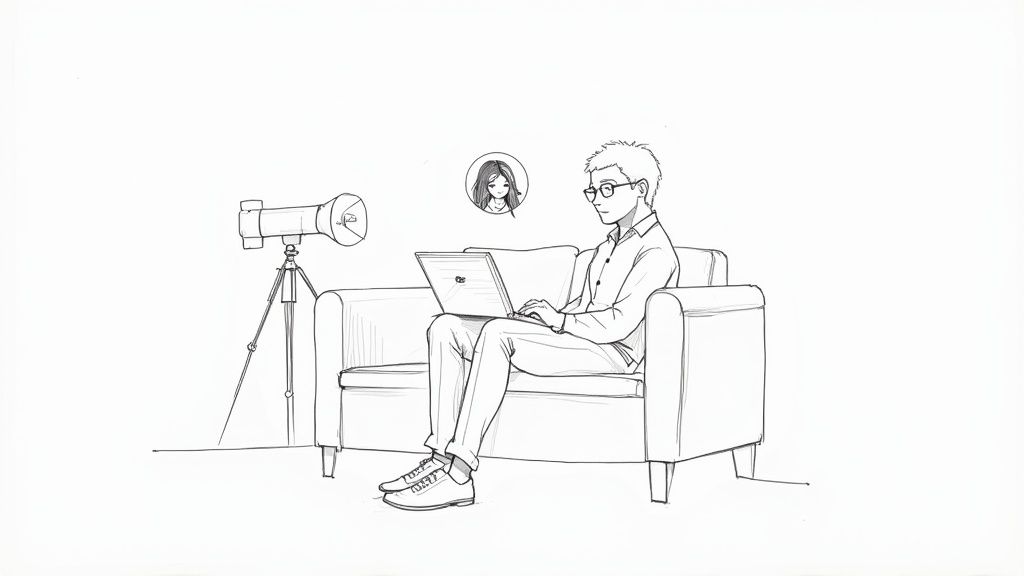
Let's be honest: organizing a traditional photoshoot is a hassle. It involves finding the right photographer, coordinating schedules, choosing a location, and spending a significant amount of money for just a handful of usable images. The entire process can take weeks, feeling completely out of sync with the fast-paced demands of modern careers.
For years, this was the only way to achieve a truly professional look. But today, savvy professionals are skipping the high costs and scheduling headaches for the sheer convenience and quality of AI-generated headshots. This shift is all about saving valuable time and money while achieving outstanding results.
The Modern Choice for Your Professional Brand
Using an AI headshot for LinkedIn isn't just about saving money; it's a smart, strategic move to take control of your professional branding. The power to create a polished, professional image is now literally at your fingertips, and you can do it right from your own home, on your own schedule.
A strong professional headshot is no longer a luxury—it's a fundamental part of making a great first impression. AI technology simply makes achieving that high standard more accessible than ever before.
This trend is backed by hard data. The AI headshot market is projected to reach a valuation of $500 million globally by 2025, a massive 150% increase from the previous year. This growth is driven by professionals who need high-quality results without the traditional barriers. When a standard photoshoot in a major city like New York can easily cost $925, AI offers a compelling, affordable path to the same professional outcome. You can see more on these trends in the 2025 AI Headshot Industry Report.
AI Headshots vs Traditional Photography: A Quick Comparison
To put it in perspective, here's a clear breakdown of why AI is the more convenient and affordable choice.
| Feature | AI Headshot Generator | Traditional Photoshoot |
|---|---|---|
| Cost | Typically $19 - $50 | $300 - $1,500+ |
| Turnaround Time | Under 1 hour | 1-3 weeks |
| Convenience | Upload photos from home, anytime | Requires scheduling, travel, and on-site time |
| Variety | 40-100+ images in various styles | 5-15 edited images |
| Control | You choose the final styles | Creative direction is largely up to the photographer |
| Accessibility | Anyone with a smartphone can do it | Limited by location and photographer availability |
The table makes it clear: for most professionals, the combination of convenience, affordability, and professional quality makes AI the winning option.
Convenience Meets Studio Quality
The true advantage of AI headshots lies in their ability to deliver genuinely impressive, studio-quality results with unmatched efficiency. Instead of a multi-week process, you receive a diverse portfolio of professional images in less than an hour. This speed is a game-changer for job seekers, entrepreneurs, and anyone needing to quickly update their LinkedIn portraits.
Here’s why it’s a smarter choice for your career:
- Time Savings: Generate dozens of options in the time it takes to grab a coffee, eliminating the need for travel and appointments.
- Cost-Effectiveness: Get studio-quality results for a tiny fraction of a photographer's fee, a huge saving for individuals and businesses alike.
- Ultimate Control: Experiment with different outfits, backgrounds, and styles until you find the perfect fit for your industry and personality.
- Immediate Impact: Your profile picture is the first thing recruiters and potential clients see. As we cover in our guide on the psychology of first impressions, getting it right is non-negotiable.
Choosing the Right Selfies for Flawless Results
The secret to a stunning AI headshot isn't complex technology; it's the quality of the selfies you provide. Think of it like cooking: the final dish is only as good as your starting ingredients. Your photos are those ingredients, and giving the AI clean, clear data is the most important step to getting a great AI headshot for LinkedIn.
Your goal is to upload a small collection of photos that teaches the AI exactly what you look like from multiple angles and in different lighting. The good news? Your smartphone is the perfect tool for the job.
Lighting and Backgrounds: Get the Foundation Right
Good lighting is completely non-negotiable. The best light source is soft, natural light, which you can easily find by facing a window. An overcast day is even better. This light smooths out harsh shadows and shows your facial features clearly, giving the AI a perfect canvas to work with.
Avoid direct, bright sunlight, as it creates unflattering shadows and will likely make you squint. Inconsistent indoor lighting from lamps or overhead fixtures is just as bad, as it can throw off colors and create strange shadows that will confuse the algorithm.
When it comes to the background, keep it simple. A plain, neutral-colored wall is your best friend. Busy or cluttered backgrounds distract the AI, making it much harder for it to focus on your face.
What Your Photo Set Should Include
Variety is key to training the AI model properly and getting realistic LinkedIn portraits. You want to give it a complete picture of who you are. Aim to upload between 10 to 20 photos that cover these bases:
- A Mix of Expressions: Don't use the same smile in every shot. Include photos with a soft, natural smile, some with a more neutral and confident look, and even a few candid shots where you're not looking directly at the camera.
- Different Angles: Be sure to include photos where you're looking directly at the camera, but also add some where your head is turned slightly to the left or right. This is crucial for helping the AI understand the 3D shape of your face.
- Clear and Unobstructed Views: Your face needs to be the star of the show. Avoid photos where your hands, hair, or shadows are covering parts of your face.
Key Takeaway: The more varied and clear your input photos are, the more accurate and versatile your generated headshots will be. The AI uses this data to learn your unique features, so a diverse collection ensures it doesn't overfit to a single expression or angle. For an even deeper dive, our guide on selecting the perfect photos for AI headshots offers more advanced tips.
Common Mistakes to Avoid
Knowing what not to do is just as important. Uploading the wrong kinds of pictures is the fastest way to get results that look nothing like you. Make sure you avoid these common pitfalls:
- Sunglasses or Hats: Anything that covers your eyes, hairline, or the top of your head is a no-go. The AI needs to see your entire facial structure to get it right.
- Group Photos: Never use a photo with another person in it. The AI is trying to learn your face, and adding others will only confuse it.
- Heavy Filters or Editing: That perfect Instagram filter might look great, but it alters your real features. Always use your original, unedited photos so the final headshot actually looks like you.
- Low-Resolution Images: If your photos are blurry or pixelated, the AI won't have enough detail to work with. The result will be a soft, unprofessional image. Make sure every selfie is sharp and in focus.
How to Create Your AI Headshot from Start to Finish
So you're ready to create your perfect ai headshot for linkedin? Great. The process is incredibly simple and user-friendly, feeling more like a creative project than a technical task. It boils down to three easy stages: uploading your best selfies, letting the AI work its magic, and choosing the looks that best fit your professional branding.
This entire journey transforms a handful of your casual phone pictures into a full gallery of polished, high-quality headshots. It's designed for speed and convenience, saving you the time, cost, and hassle of a traditional photoshoot.
Prepping and Uploading Your Selfies
First, you'll need to upload the selfies you've already selected. Most platforms, including ours at SelfieToPro, require between 4 and 20 images to create accurate results. This is where the effort you put into selecting good source photos really pays off.
By providing a diverse set of pictures, you give the AI a chance to learn your unique facial features from different angles and in various lighting setups. This variety is what helps generate results that look professional but, more importantly, still look like you. The upload interface is usually a simple drag-and-drop, making it quick and painless.
This little infographic nails down the key things to look for in a source photo.
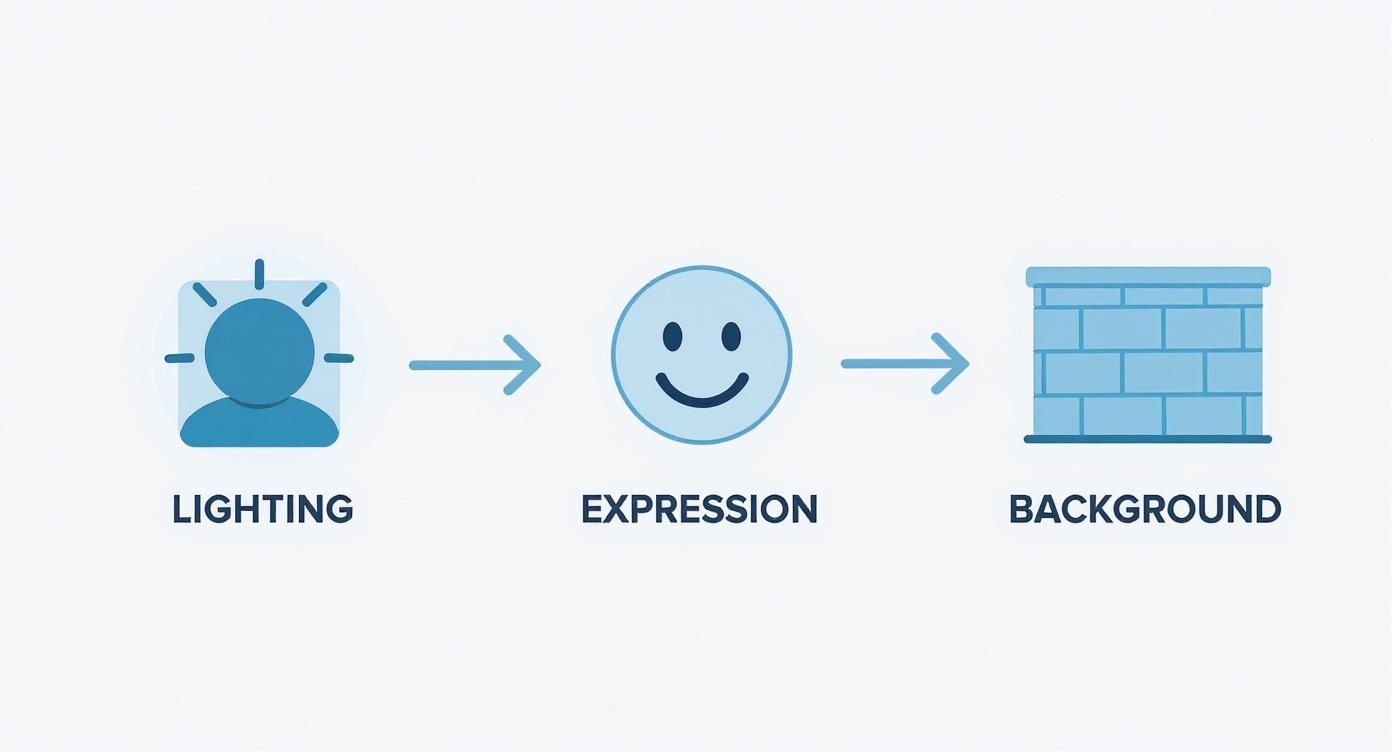
As you can see, simple is better. Good lighting, clear expressions, and clean backgrounds give the AI the best possible data to work from.
What Happens During the AI Training Period
Once your photos are uploaded, the AI gets to work. This isn't an instant process. The system is busy analyzing your facial structure, common expressions, and all the little details that make you, you. It's like an artist studying their subject before picking up a brush.
Generation times can vary, but most tools will have your headshots ready within an hour or two. You’ll almost always get an email notification when they're done, so there’s no need to stare at a progress bar.
That short wait is nothing compared to the weeks you might wait for edits from a traditional photographer. This incredible time-saving makes AI Headshots a game-changer, removing geographic and scheduling hurdles and making professional-grade images accessible to everyone.
Picking Your Winning Styles
Now for the fun part. After the AI has worked its magic, you'll get access to a gallery of headshots in tons of different styles. This is where you get to play creative director and choose the outfits and backdrops that best match your career path and professional branding.
Let your industry be your guide.
- Corporate & Finance: Stick with the classics. A sharp blazer or a professional suit against a blurred office or minimalist wall always works.
- Tech & Startups: A clean, modern look is your best bet. Think a smart casual shirt with a simple, solid-colored background.
- Creative Fields: Don't be afraid to show some personality. You can experiment with more expressive styles, like outdoor settings or artistic studio backdrops.
Choosing the right style is key to building a strong professional story on LinkedIn. If you want a deeper dive into what's out there, check out our guide on the best AI headshot generator tools and see what unique styles they offer.
Picking a Winner and Adding That Final Polish
Alright, the AI has done its magic, and now you’re looking at a folder full of new headshots. This is where your expertise comes in. Don't just grab the first one that looks good—take your time to sift through the options and find the one that truly nails your professional brand.
Remember, the goal isn't just to find a flattering picture. You're looking for an image that communicates exactly who you are and where you're going in your career. This AI headshot for LinkedIn is often the very first impression you’ll make on recruiters, potential clients, and future colleagues. It’s worth the effort to get it right.
A Quick Framework for Choosing the Best Shot
It can be a little overwhelming staring at dozens of versions of yourself. To cut through the noise, use a simple three-question filter. Run each headshot through this checklist, and you’ll quickly narrow down the field to your top contenders.
Ask yourself these three things for every image:
- Does this actually look like me? This is non-negotiable. The AI should capture your core likeness. Check your key features—your eyes, nose, and the way you smile. If a photo feels a bit off, almost like a sibling or a distant cousin, toss it. Authenticity is everything.
- Do I look confident and approachable? Your expression is doing a lot of the heavy lifting. You want a photo that says you're both competent and someone people would want to work with. A slight, genuine-looking smile usually hits that sweet spot, projecting warmth without looking too casual.
- Does this match my professional goals? Think about the overall vibe. The outfit, the background, the lighting—it all needs to align with your industry. A software engineer at a startup can pull off a different look than a partner at a law firm. Make sure your headshot speaks the right professional language for your field.
Your LinkedIn profile picture is your digital handshake. It has to build trust and credibility in a split second. The best headshots feel both polished and genuinely you, creating a connection before anyone even reads your bio.
Making a Few Small Edits for a Big Impact
Once you’ve picked your favorite one or two headshots, a couple of quick tweaks can take them from great to perfect. You don't need to be a Photoshop pro for this. Free tools like Canva or even the editor built into your phone are more than enough to get the job done.
Focus on these simple but powerful adjustments:
- Cropping for LinkedIn: LinkedIn uses a circular frame, so you need to crop accordingly. Center your face so it takes up most of the space. A good rule of thumb is to leave a little bit of breathing room above your head and crop it somewhere around your collarbone or the top of your shoulders.
- Brightness and Contrast: A little bump in brightness can make your photo feel clean, fresh, and well-lit. Just be careful not to overdo it and wash out the details. A slight increase in contrast can also add a touch of sharpness and make the image pop.
- Minor Touch-Ups: Did the AI leave behind a stray pixel or a tiny blemish? Most photo editors have a simple spot-healing tool that can clean that up in a second. The goal here is to keep any edits minimal. You still want the final product to look natural and, most importantly, like you.
Your Headshot is a 24/7 Career Tool
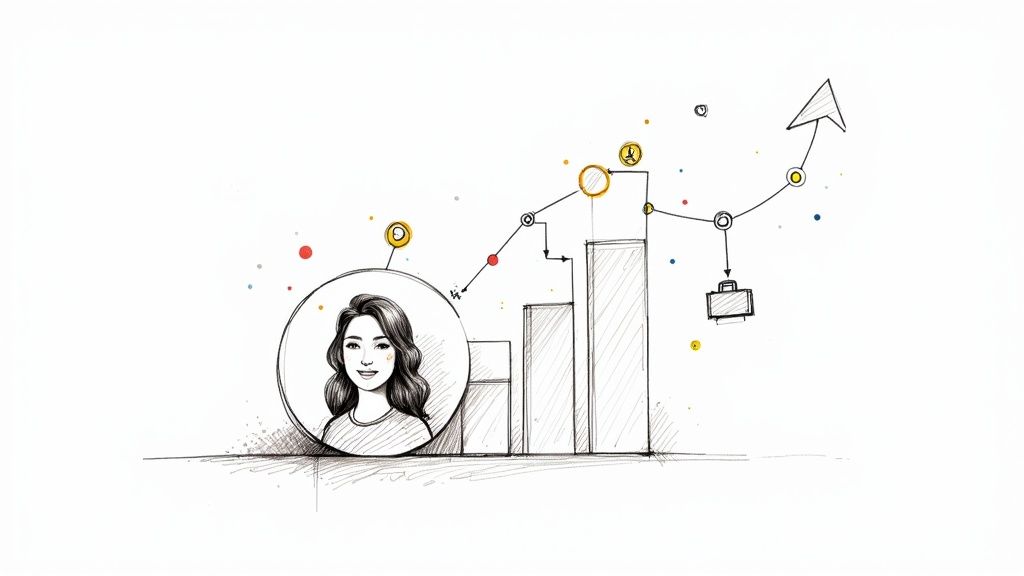
It’s easy to generate a great AI headshot, upload it, and just see it as a nice photo. But that misses the point entirely. Its real power goes way beyond just looking good. Your LinkedIn profile picture is a strategic asset, a silent ambassador working for you around the clock.
Think of it as the first data point a recruiter, client, or future boss gets about you. This isn’t just about vanity; it’s about playing the first-impressions game to your advantage. In the blink of an eye, your photo needs to scream competence, trustworthiness, and approachability. A high-quality, professional headshot does that work for you, building instant credibility before anyone reads a single word on your profile.
The Numbers Behind the Digital Handshake
Don't just take my word for it—the impact of a professional photo is backed by some serious data. LinkedIn profiles with a proper headshot get wildly more engagement than those without. It’s a known fact that hiring managers form an impression in just one-tenth of a second, and simply having a picture makes your profile up to 14 times more likely to be viewed in the first place.
But the numbers get even better. Profiles with a professional image attract 21 times more views and a staggering 36 times more connection requests. With roughly 70% of hiring managers saying a professional photo is critical, a polished ai headshot for linkedin isn't a "nice-to-have." It’s essential. You can dig deeper into how professional images drive engagement on Aragon.ai.
The takeaway is clear: your profile picture isn’t just decoration, it's a performance driver.
Building Instant Trust and Credibility
A great headshot is a visual promise. It signals that you pay attention to detail, you're invested in your career, and you get the unwritten rules of the professional world. That instant trust is gold whether you're actively job hunting, networking with peers, or trying to land new clients.
Here’s what that looks like in the real world:
- More Recruiter Clicks: A sharp photo makes you stand out in a long list of search results, practically begging recruiters to click on your profile over others.
- Higher Connection Acceptance: Let's be honest, people are far more likely to accept a request from someone with a professional, friendly face.
- A Stronger Personal Brand: Your headshot reinforces the exact image you want to project—whether that's an innovative leader, a reliable expert, or a creative force.
Your headshot is the anchor of your online professional identity. It’s a small detail that makes a massive difference in how you are perceived, opening doors to opportunities you might not have otherwise received.
Ultimately, getting a high-quality AI headshot for LinkedIn is one of the fastest and most effective moves you can make for your career. This isn't about vanity. It’s a calculated investment in your personal brand that pays real, measurable dividends in views, connections, and opportunities.
Answering Your Questions About AI Headshots
Jumping into any new tech always comes with a few questions. If you're wondering about using an AI headshot for LinkedIn, you're definitely not the only one. We've rounded up the most common concerns to give you clear, straight-up answers so you can move forward feeling confident.
Let’s tackle what professionals are asking right now.
Will People Know My Headshot Was Made by AI?
Honestly, it's highly unlikely, and it doesn't really matter. The best AI tools produce photorealistic headshots that are pretty much indistinguishable from those taken by a professional photographer.
Recruiters and potential clients care about one thing: a professional, clear image. A polished AI headshot for LinkedIn is miles better than a cropped vacation photo, an old selfie, or having no picture at all. As long as the final result is an authentic and professional version of you, you're making the right impression.
What Happens to My Selfies After I Upload Them?
Your privacy should be a top priority for any reputable service. Most platforms have clear-cut policies explaining that your uploaded photos are used for one reason only: to train the AI model that creates your headshots.
After a specific period of time—usually between 24 hours and 30 days—those original selfies are permanently wiped from their servers. It's always a smart move to give the privacy policy a quick scan just to be sure.
How Do I Pick the Right AI Headshot Generator?
With so many options popping up, choosing the right tool can feel a bit overwhelming. The best way to cut through the noise is to focus on three things: the quality of their examples, the variety of styles they offer, and what real users are saying.
- Portfolio Quality: The first thing to do is check out the example gallery on their website. Do the headshots look realistic and sharp? Do they match the professional vibe you're going for?
- Style Options: See what you can customize. Can you pick different backgrounds, outfits, and lighting that fit your industry? The more control you have, the better your results will be.
- User Reviews: Finally, look for recent, independent reviews. See what other people's experiences were like. Paid tools almost always deliver much higher quality, making them a worthwhile investment in your personal brand.
Key Insight: The best AI headshot tools give you a ton of styles to choose from. This ensures you can find a look that perfectly matches your career goals, whether you’re in a corporate, tech, or creative field.
Can I Use My AI Headshot on More Than Just LinkedIn?
Absolutely! Think of your new headshots as a complete branding kit. Once you download the high-resolution images, you typically own the rights for both personal and commercial use.
This means you’re free to use them to build a consistent, professional brand everywhere you show up online. You can pop your favorite shot on your resume, update your email signature, feature it on your personal website, or use it across other professional platforms.
Ready to create a professional image that opens doors? At SelfieToPro, we turn your best selfies into studio-quality headshots in minutes, giving you an affordable, convenient way to elevate your brand. Get started today and see the difference a professional headshot can make. https://www.selfietopro.com